ink
A terminal markdown reader that actually looks good.
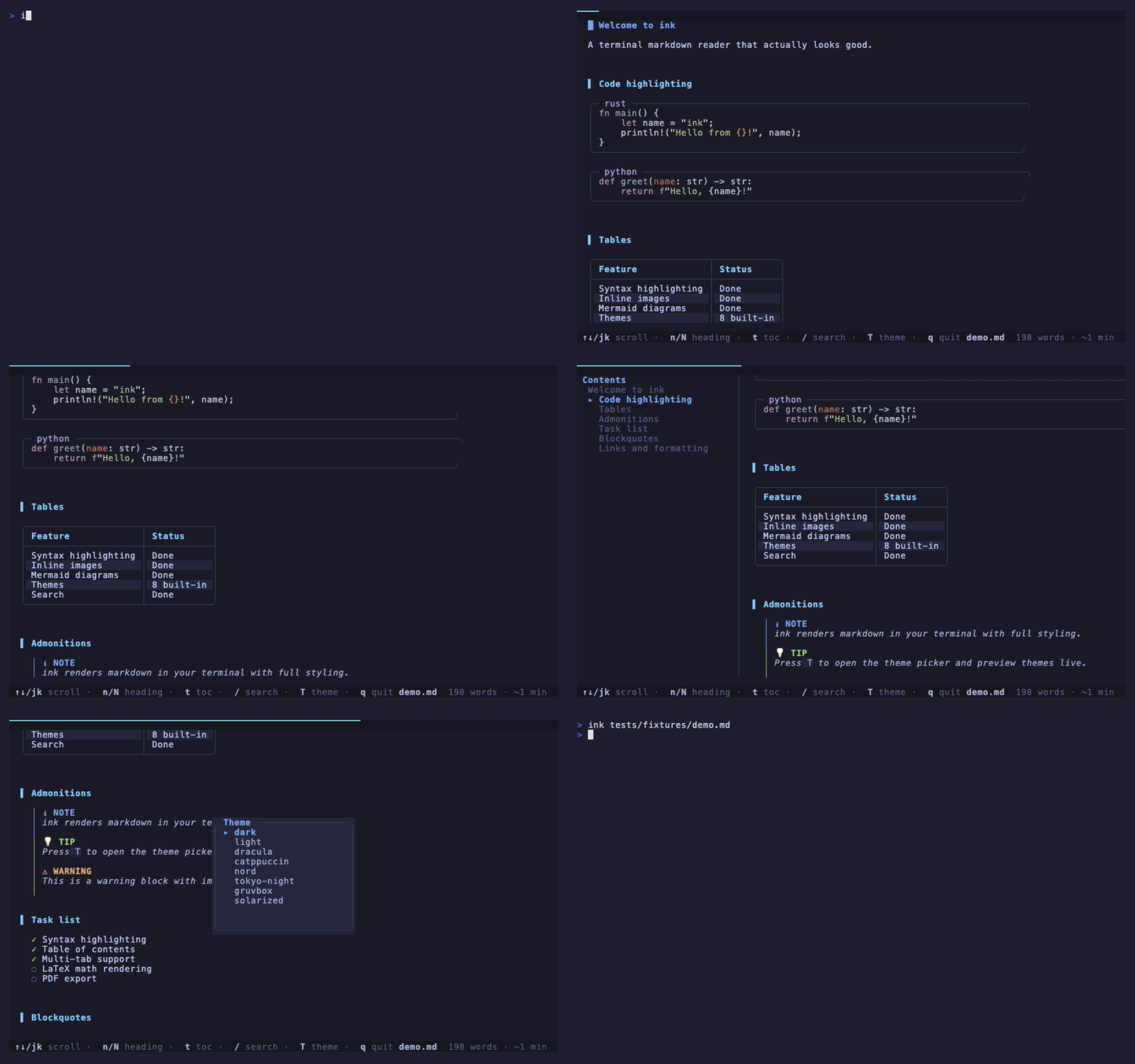
cargo install ink
Requires Rust. Or grab a binary from the releases page.
What it does
Syntax highlighting
Language-aware code block highlighting for every major language.
Inline images
Renders images directly in the terminal using half-block characters. Works everywhere.
Mermaid diagrams
Flowcharts, sequence diagrams, pie charts, and Gantt charts as ASCII art.
8 themes
Dark, Light, Dracula, Catppuccin, Nord, Tokyo Night, Gruvbox, Solarized. Or make your own.
File browser
Run ink . to browse and open markdown files in any directory.
Multi-tab
Open several files at once and switch between them with Tab.
Search
Full-text search with highlighted matches and jump-to-result navigation.
Table of contents
Sidebar showing every heading. Tracks your scroll position.
Admonitions
GitHub-style NOTE, TIP, WARNING, IMPORTANT, and CAUTION blocks.
Wikilinks
[[page]] and [[page|text]] syntax for Obsidian vaults and wikis.
Presentation mode
Turn any markdown file into slides with --slides.
Single binary
Built in Rust. No runtime dependencies. Fast startup.
How it compares
| Feature | ink | glow | mdcat | frogmouth |
|---|---|---|---|---|
| Interactive TUI | Yes | Yes | No | Yes |
| Multi-tab | Yes | No | No | No |
| Search | Yes | No | No | No |
| Table of contents | Yes | No | No | Yes |
| Inline images | Yes | No | Yes | No |
| Mermaid diagrams | Yes | No | No | No |
| Wikilinks | Yes | No | No | No |
| File browser | Yes | Yes | No | Yes |
| Themes | 8 | 2 | 0 | 0 |
| Watch mode | Yes | No | No | No |
| Presentation mode | Yes | No | No | No |